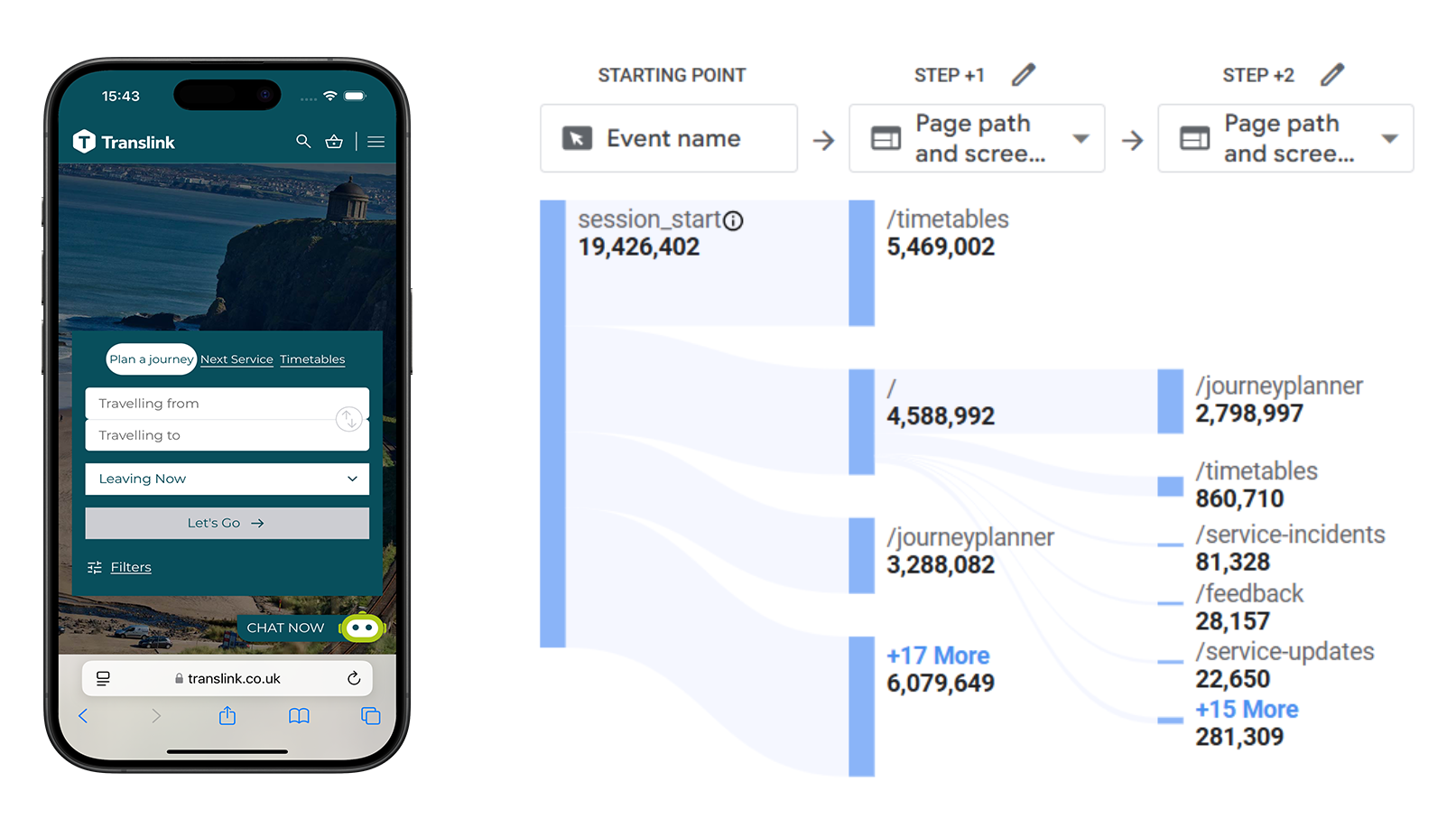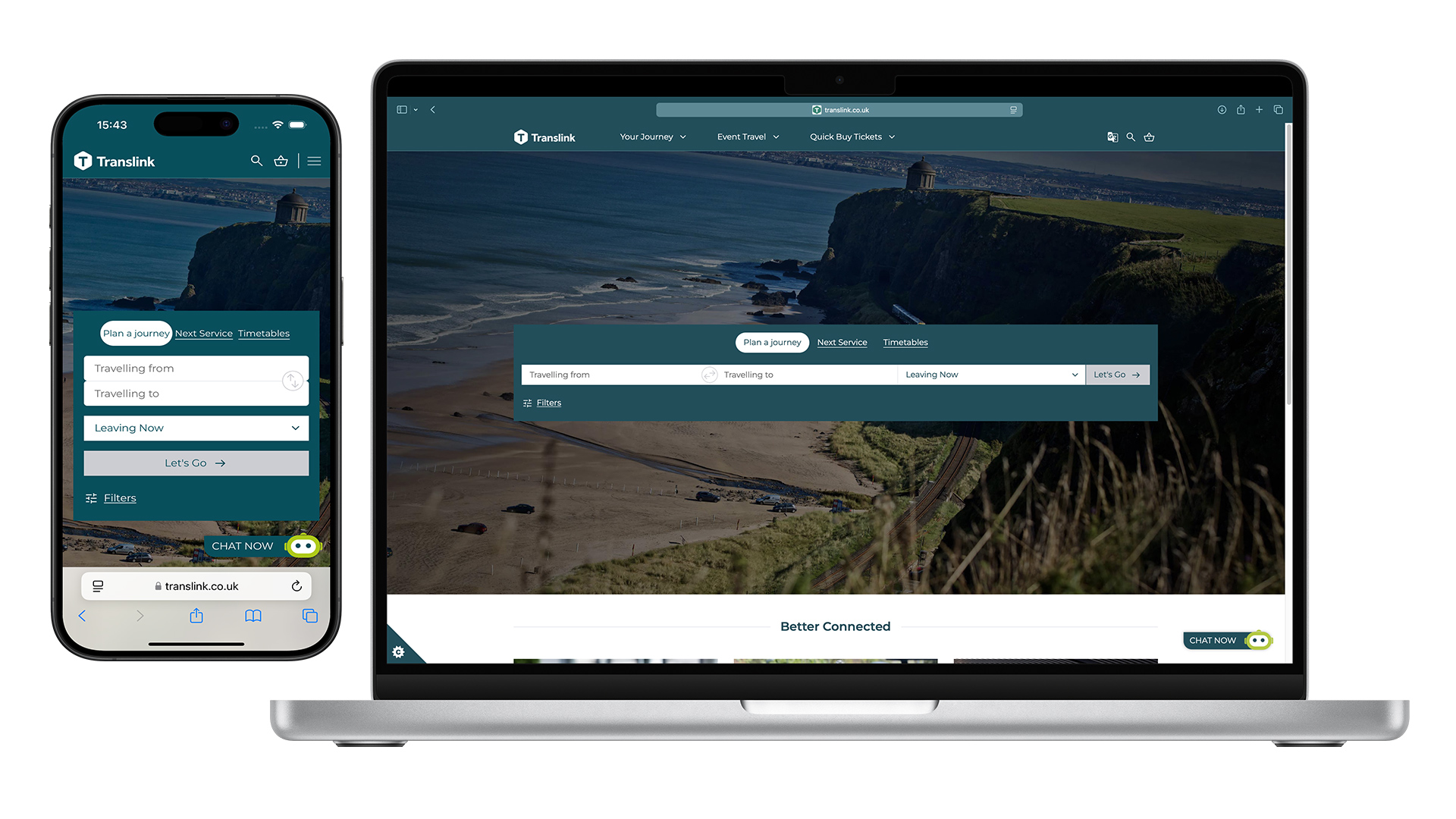
01 The Challenge
- Mobile gap: ~80% of sessions on mobile, but lower conversions and higher drop‑offs than desktop.
- Dead ends: Journey Planner & Timetables were top exit points despite high intent.
- Layout: Oversized hero and inflexible components buried key information.
- Accessibility: Content not fully optimised for WCAG and small‑screen usage.
02 Objectives
Make ticketing & planner more prominent
Elevate alerts & live updates
Optimise for mobile‑first
Meet WCAG 2.2 AA
Introduce reusable components
03 Insights → Design Priorities
What the data showed
- Navigation bar usage < 10% (especially low on mobile).
- Low scroll depth on the homepage; content below the fold was missed.
- High exit rates from Journey Planner and Timetables.
Prioritisation (MoSCoW)
- Must: Planner, Tickets, Alerts, Campaigns, App promo
- Should: FAQs, News teaser, “Why choose Translink”
- Could: Explore NI, Personalised messaging
04 My Approach
-
Key tasks above the fold
Reduced hero height; prioritised Journey Planner, Tickets, and Alerts in the first viewport.
-
Design flexible, reusable components
Campaign block, Alerts banner, News teaser, FAQs, Explore content—usable across templates.
-
Mobile‑first & accessible
Type, spacing, and tap‑targets optimised for small screens; colour/contrast and focus states aligned to WCAG 2.2 AA.
05 Outcomes & Impact
-
+50%
Expected CTR on Journey Planner
-
+75
Target Lighthouse Score (Mobile)
-
↓
Reduced bounce from Planner & Timetables
-
♻︎
Reusable components across templates
06 Reflection & Next Steps
My role was to interpret existing data and translate it into actionable design. By focusing on usability, accessibility, modular components, and deliver a homepage that better supports passenger needs and gives the Translink team more flexibility.
Extend the approach to Events and Belfast Visitor Pass pages.
Align patterns with the mobile app experience.
Monitor analytics; iterate on funnel clarity and onward journeys.